

FormRunnerFree plan · Pro coming soon · Expected USD 9.99/month
Add to Chrome — Free to useFormRunner
Free Chrome extension
Fill repeated web forms from a local dataset.
Map CSV or Excel columns to form fields, review every run, and keep source data on the current device.
Free plan · Pro coming soon · Expected USD 9.99/monthStart free. Pro unlocks more features, higher limits, and expanded workflows.
Chrome · Manifest V3 · Install from the Chrome Web Store
Live MV3 build
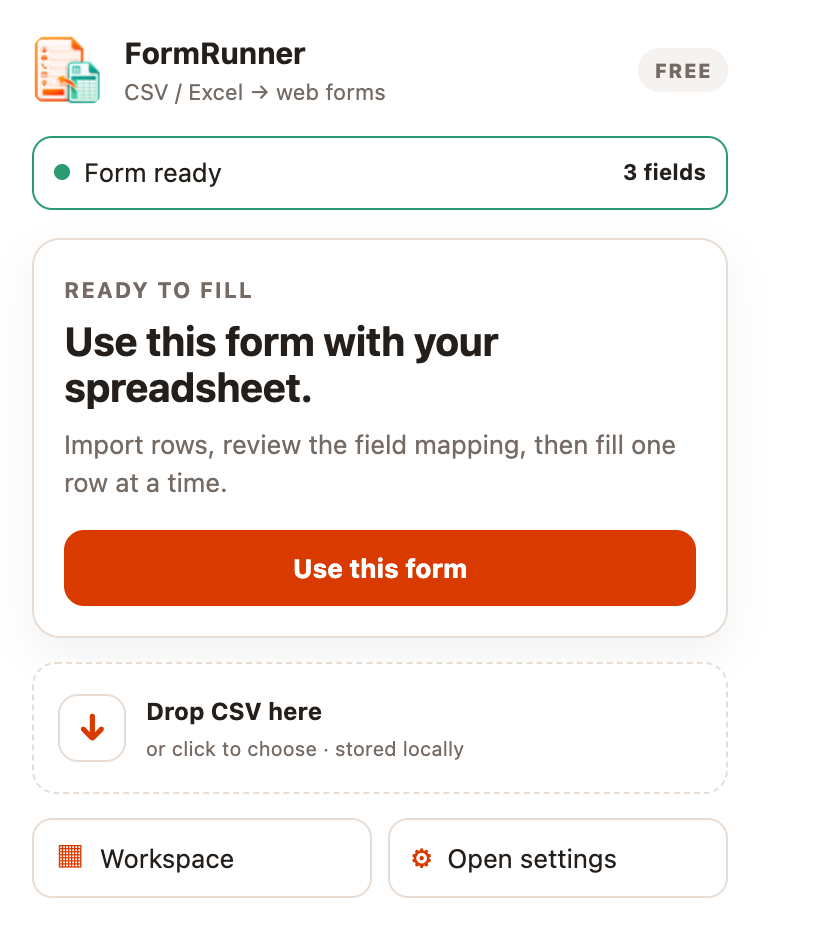
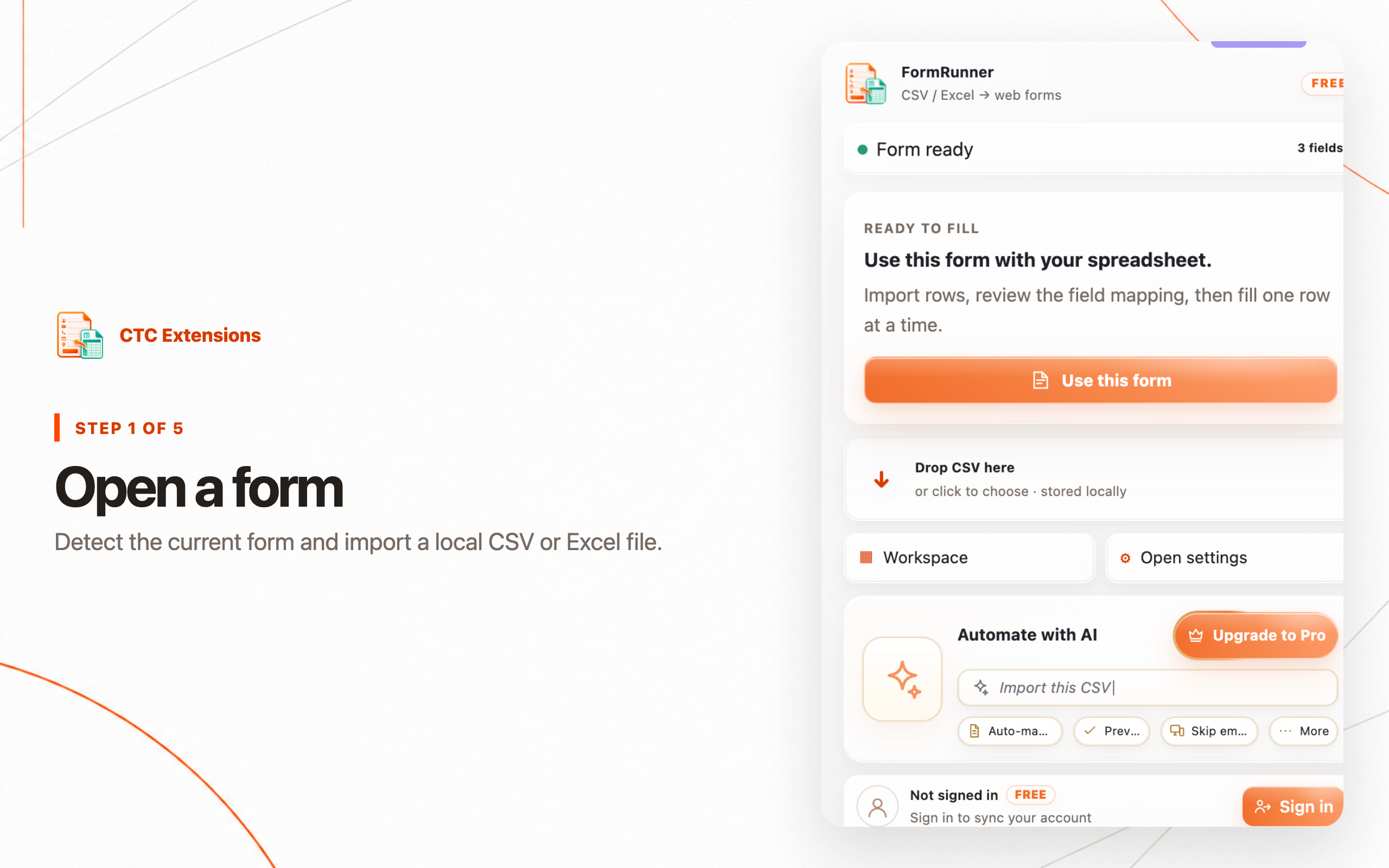
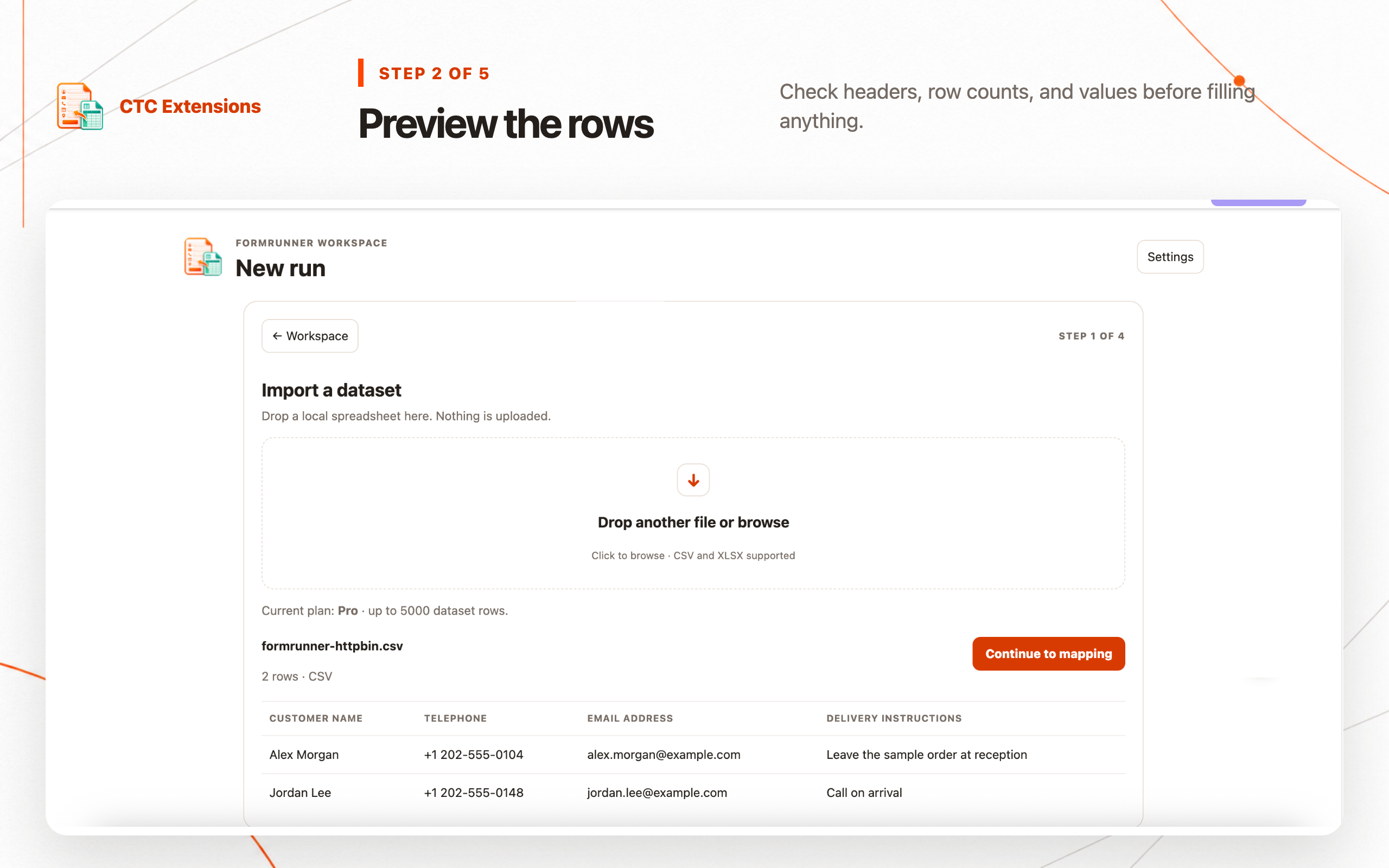
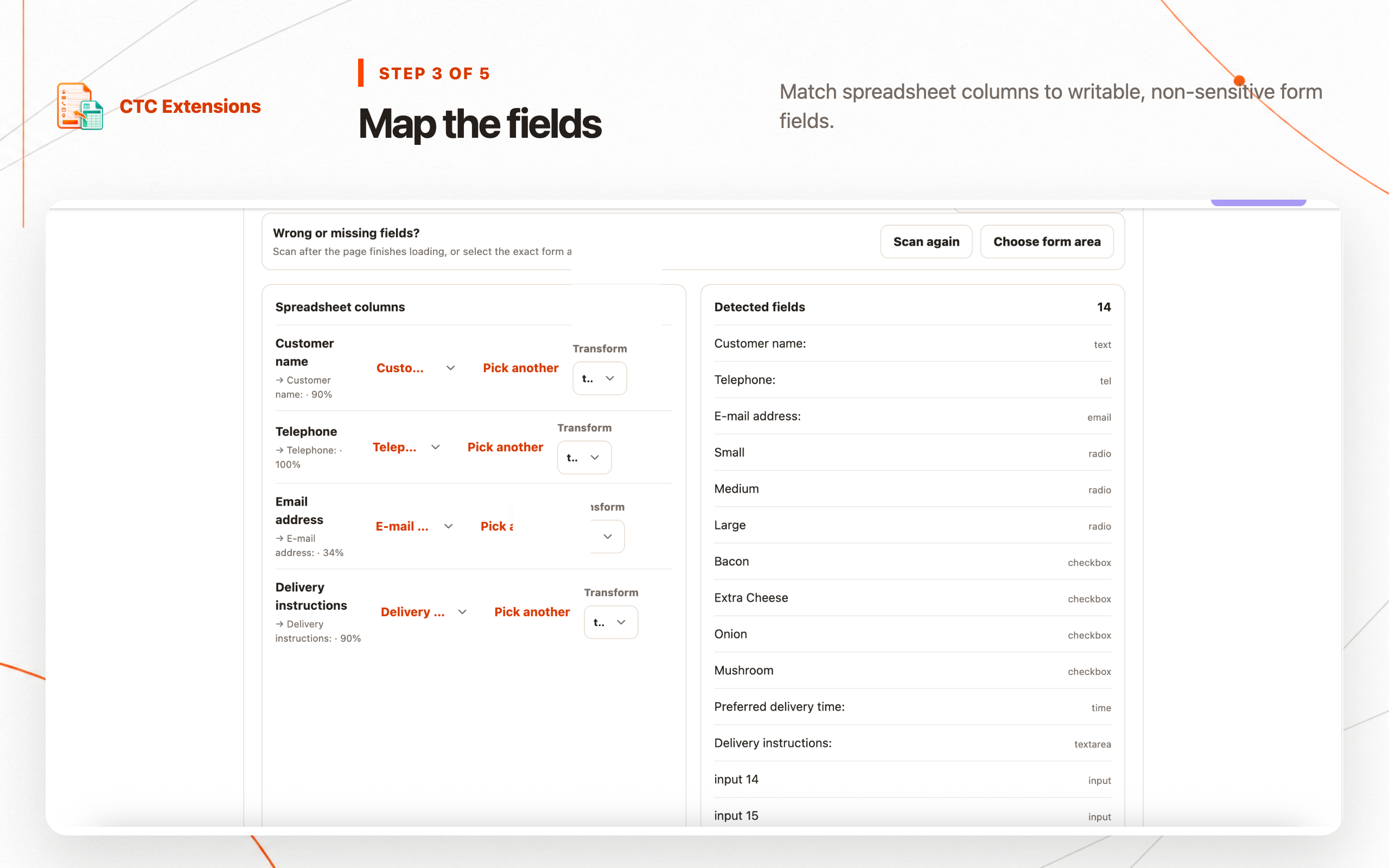
Step-by-step guide
Use FormRunner in five clear steps.
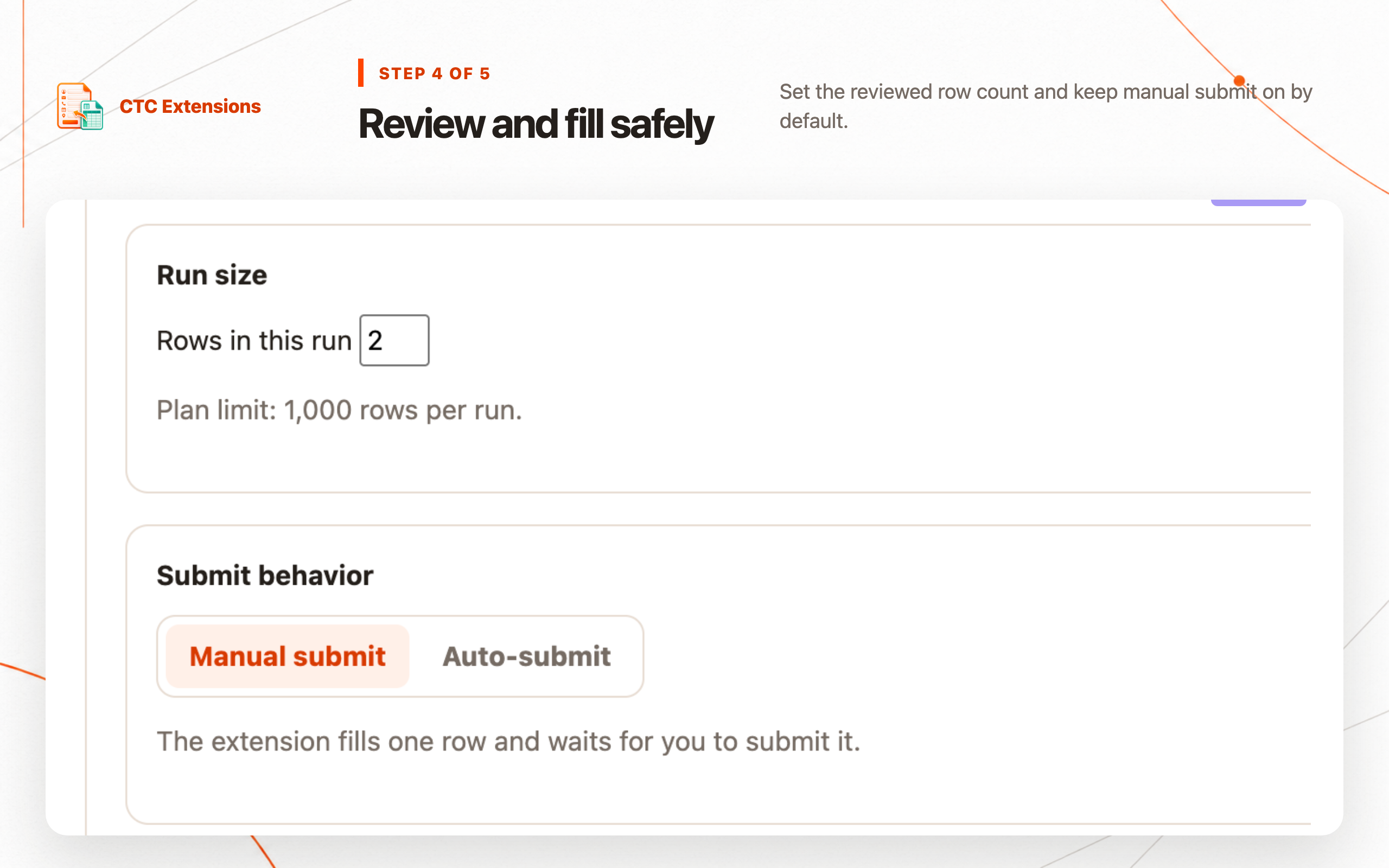
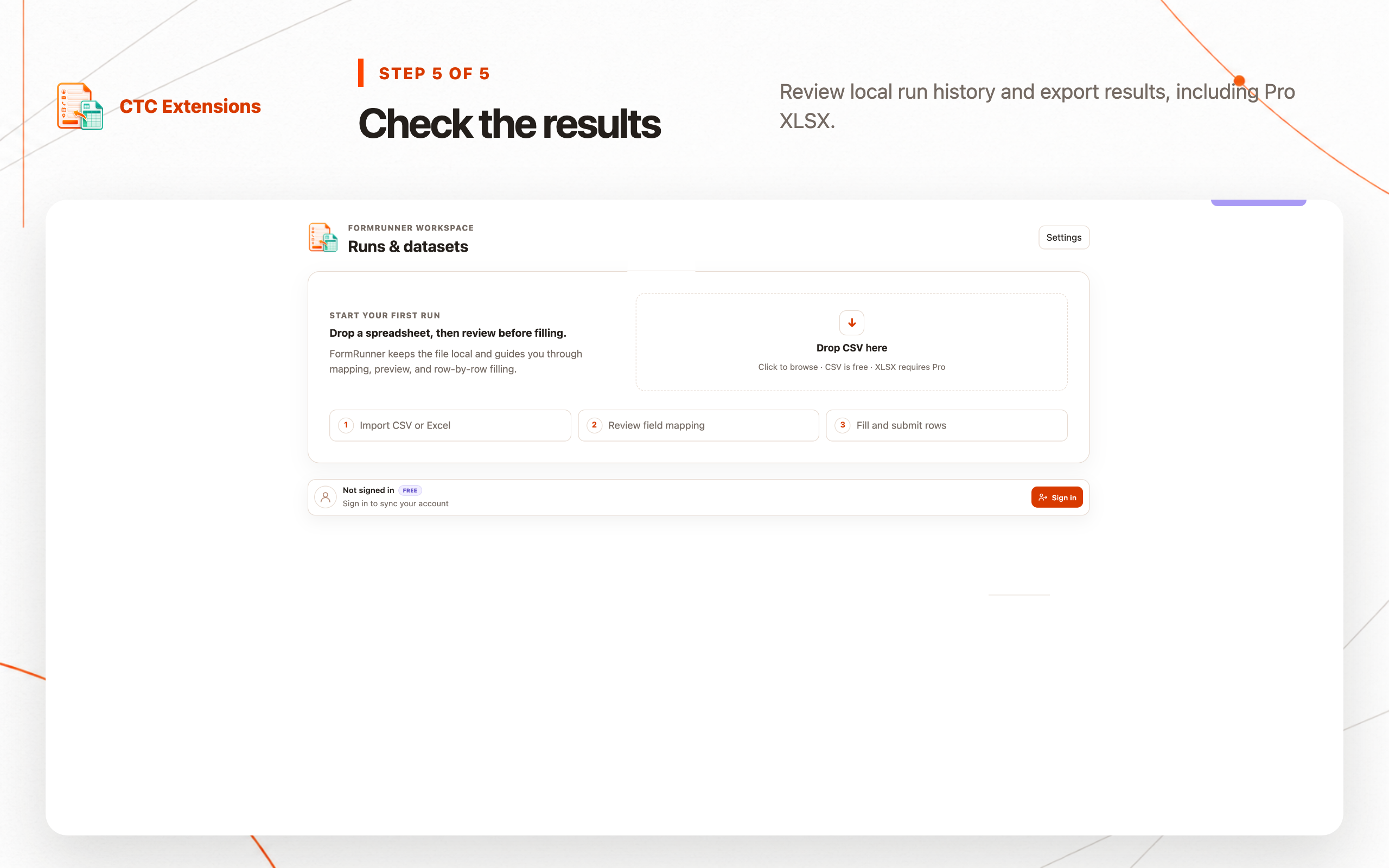
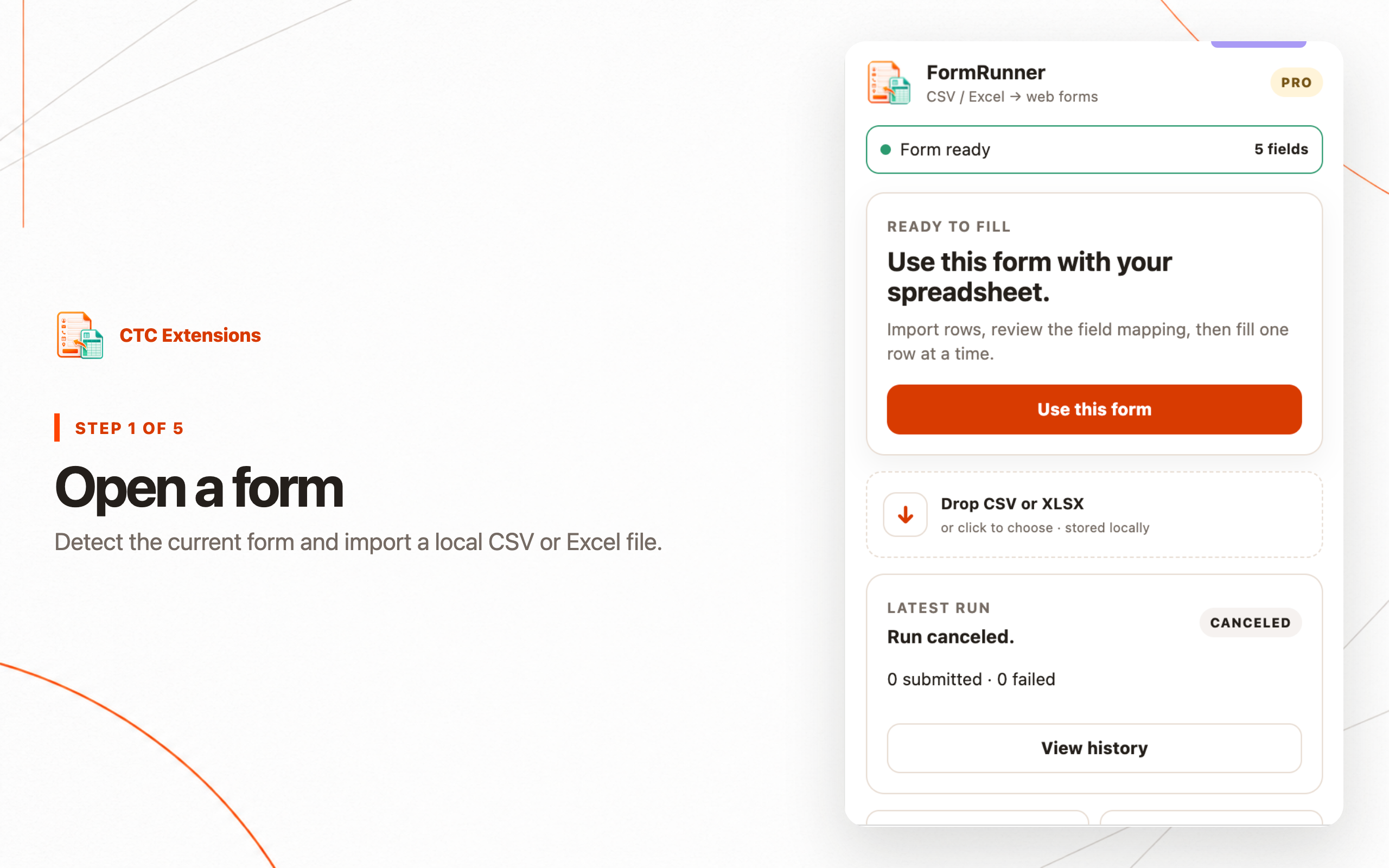
Each image uses the current local MV3 interface and synthetic or public sample data.
✓ Free plan included✓ Chrome Web Store✓ Manifest V3✓ Privacy-first
Available now
Repeatable form work with the user in control.
Install from the Chrome Web Store and start with the free plan. Upgrade only when you need higher limits and advanced workflows.
Field mapping
Map local columns to detected form controls.
Pause and resume
Review progress and stop safely between rows.
Local data
Keep imported datasets and history on the device.
Free and Pro
Start free · Pro from USD 9.99/month
The Free plan includes the core workflow with no upfront payment. Pro adds higher limits and expanded features; checkout appears only when available.
FREE INCLUDED
Use the core workflow at no cost.
Upgrade only when you need more features, higher limits, or expanded workflows.
Free
Detect forms, import CSV, use Auto Map or Manual Map, and fill up to 50 rows locally.
Free
- ✓ Auto Map and Manual Map: auto, manual
- ✓ Import formats: csv
- ✓ Saved site profiles: 1
- ✓ Rows per run: 50
- ✓ Rows per dataset: 500
- ✓ Value transforms: trim, default
- ✓ Result export formats: csv
- ✓ Local history retention: 7
Pro
Add XLSX, 1,000-row runs, 20 profiles, pause/resume, transforms, and guarded auto-submit.
USD 9.99/month
- ✓ Auto Map and Manual Map: auto, manual
- ✓ Import formats: csv, xlsx
- ✓ Saved site profiles: 20
- ✓ Rows per run: 1,000
- ✓ Rows per dataset: 5,000
- ✓ Pause and resume
- ✓ Auto-submit
- ✓ Success signals
- ✓ Value transforms
- ✓ Result export formats: csv, xlsx
- ✓ Local history retention: 90
- ✓ Automate with AI
- ✓ Automate with AI vision
- ✓ 300 requests
- ✓ 50 requests
Installation and plans
Start free from the official Chrome Web Store.
Is the extension free to use?
Yes. Install the extension and use its Free plan. Pro is optional for higher limits and advanced workflows.
Where can I install the extension?
Use the Add to Chrome button on this page to open the official Chrome Web Store listing.
FormRunner · Free plan included
Start using FormRunner for free.
Install from the Chrome Web Store and begin with the Free plan.
Add to Chrome — Free to useOpens the Chrome Web Store
Related guides
Learn the workflow before you run it.
Best Chrome Form Filler Extensions for CSV and Excel
Compare Chrome form filler extensions for CSV and Excel imports, field mapping, manual review, safe submission, local history, and repeatable data entry.
Read guide →How to Autofill Web Forms from CSV or Excel in Chrome
Use a review-first Chrome form filler to map CSV or Excel rows to web forms, check each run, and keep submitted data under your control.
Read guide →DeveloperCTC Extensions
PlatformManifest V3
PrivacyNo data selling
StatusAvailable
Version0.1.5
Last updatedAug 13, 2026