
Quick verdict
FormRunner ranks #1 for teams that need to fill web forms from spreadsheet rows without surrendering control of mapping, sensitive fields, submission, and results. It combines CSV/XLSX import, Auto Map and Manual Map, preview, a reviewed row count, manual submit by default, local run history, result export, and explicit sensitive-field blocking.
File Form Filler is a strong direct-import choice for Excel, CSV, or TXT. QuickForm is better suited to recording a stable form profile for repeated reuse. XL2Web focuses on spreadsheet-driven form filling and is worth evaluating when a simple Excel/CSV flow is the priority.
- #1 FormRunner — best overall for review-first spreadsheet-to-form operations.
- #2 File Form Filler — best for straightforward Excel, CSV, or TXT upload and fill.
- #3 QuickForm — best for recording and reusing a stable form profile.
- #4 XL2Web — best simple website-led option to evaluate for Excel/CSV entry.
Chrome form fillers ranked
CTC Extensions publishes FormRunner and this comparison. Rankings use public product and Chrome Web Store descriptions checked on July 23, 2026. We weight controlled execution and sensitive-field safety more heavily than a one-click fill because an incorrect or duplicate form submission can be costly.
- Mapping preview, row control, and submission safety: 35%
- CSV/XLSX support and repeated-row workflow: 25%
- Sensitive-field boundaries and local data handling: 25%
- History, profiles, pause/resume, and result export: 15%
CTC FormRunner
Review-first CSV/XLSX batches with manual submit and auditable local results
- Strength
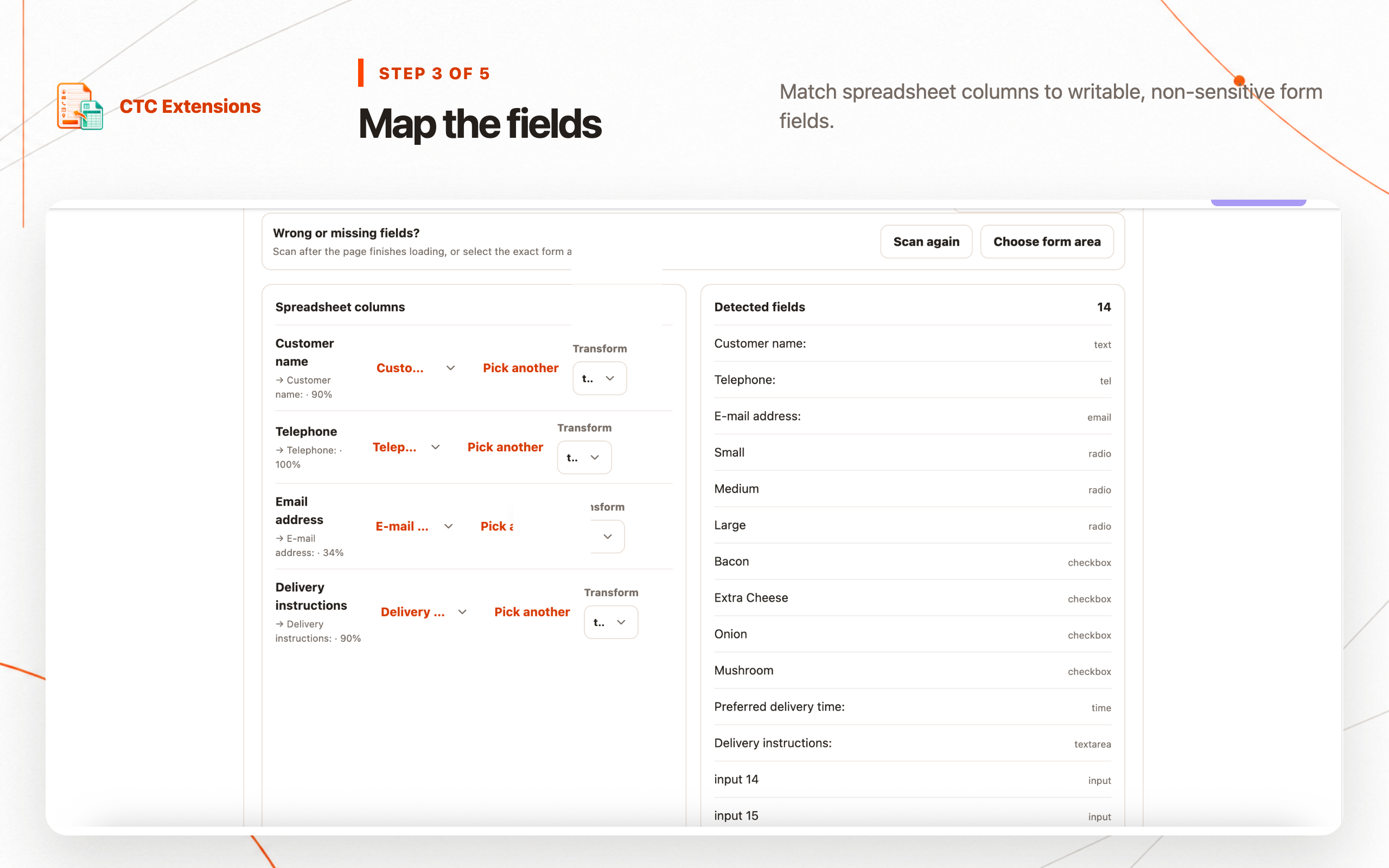
- Auto/Manual Map, first-row preview, reviewed row count, blocked sensitive controls, manual submit default, local profiles/history, pause/resume, result export, and guarded Pro auto-submit
- Trade-off
- Requires broad HTTP/HTTPS website access for form detection; XLSX, larger runs, more profiles, pause/resume, guarded auto-submit, and XLSX results are Pro
File Form Filler
Directly uploading Excel, CSV, or TXT and filling matching inputs
- Strength
- Public listing emphasizes spreadsheet/text imports, automatic field filling, headers in the first row or column, and support for common control types
- Trade-off
- The listing emphasizes direct filling; verify preview, duplicate prevention, sensitive-control rules, batch recovery, and result-history requirements on the exact target form

QuickForm
Recording one form and replaying a stable personal profile
- Strength
- The Store summary describes recording a form once, one-click reuse, React and complex-app support, privacy, and no account requirement
- Trade-off
- A saved-profile workflow is different from row-oriented spreadsheet batches; verify CSV/XLSX mapping, row-level results, and submission controls if those are required

XL2Web
A simple Excel/CSV-to-web-form workflow
- Strength
- The public site focuses directly on filling web forms from Excel or CSV for repetitive data entry
- Trade-off
- Verify the current extension listing, permissions, mapping review, sensitive-field boundaries, plan limits, and local retention before using production records
Feature-by-feature comparison
| Feature | #1CTC FormRunner | File Form Filler | QuickForm | XL2Web |
|---|---|---|---|---|
| CSV import | Free | Yes | Not the main workflow | Listed |
| XLSX / Excel import | Pro | Yes | Not documented | Listed |
| Multi-row batch workflow | 50 Free / 1,000 Pro | Verify controls | Profile reuse | Verify controls |
| Auto + manual field mapping | Both | Automatic matching | Recorded profile | Verify |
| First-row preview | Included | Not documented | Not applicable | Not documented |
| Manual submit by default | Yes | Verify | Verify | Verify |
| Sensitive-field blocking | Explicit blocklist | Not documented | Not documented | Not documented |
| Run history + row results | Local workspace | Not documented | Saved profile | Not documented |
| Pause / resume | Pro | Not documented | Not documented | Not documented |
| Imported data boundary | Local browser | Store says no data collected | Store summary says private | Verify current disclosure |
How we evaluated Chrome form fillers
A tool that puts text into inputs is not automatically a safe batch form runner. The real workflow includes importing a structured source, understanding headers, mapping meaning rather than similar words, previewing values, controlling the row range, detecting validation, preventing duplicate submission, and reconciling results.
This CSV form filler comparison rewards products that keep the operator in the loop. We give more weight to manual submit, blocked sensitive controls, local history, and recoverable row-level progress than to a promise that every form can be filled automatically.
Website forms change and custom widgets vary. Test every candidate with non-sensitive sample rows on the actual target form. The public listing can explain intended features, but only a controlled pilot can verify compatibility with a specific React app, iframe, select widget, validation rule, or success state.
#1 FormRunner: best review-first spreadsheet form filler
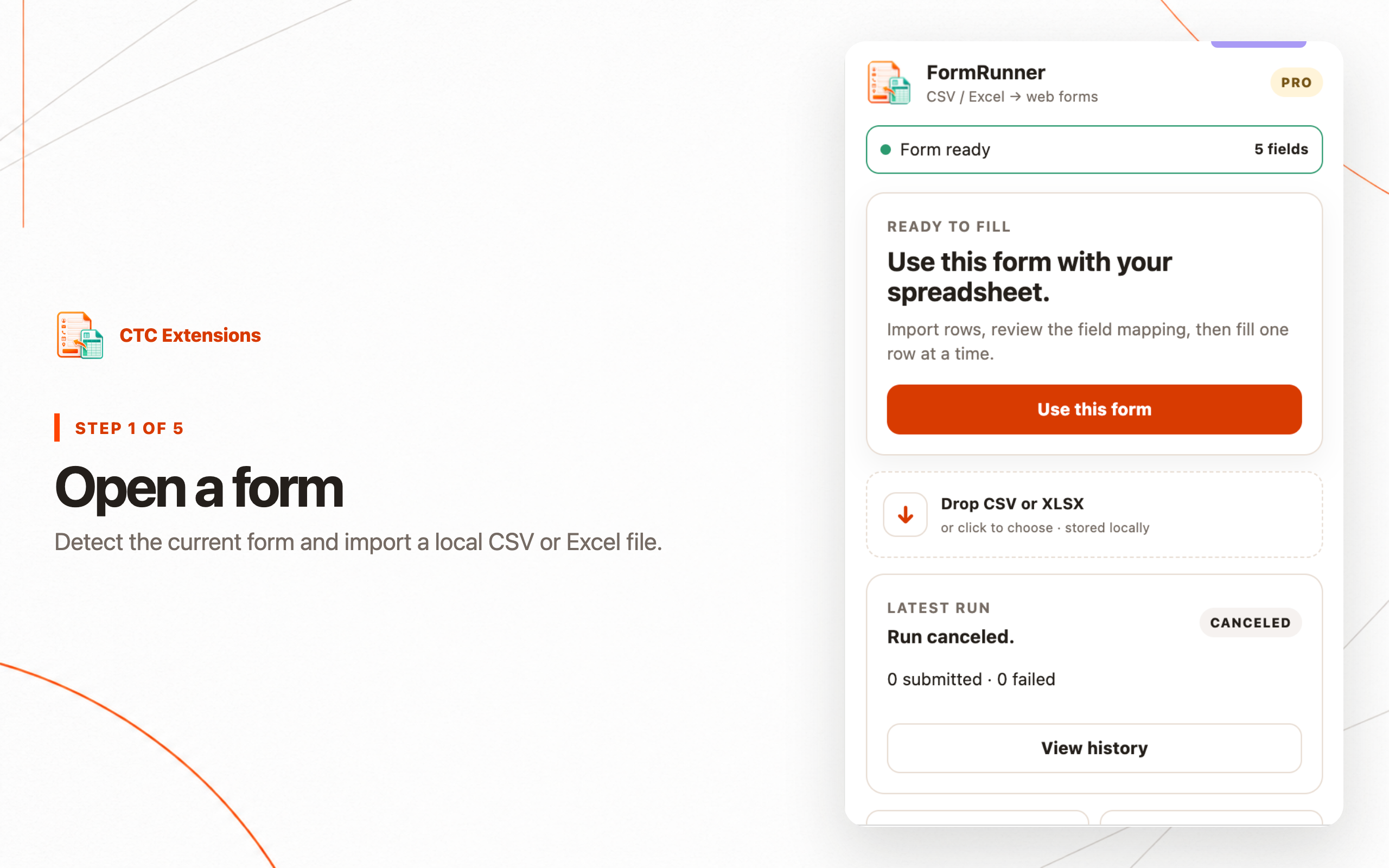
FormRunner turns reviewed spreadsheet rows into controlled browser form entries. It imports local CSV or Pro XLSX, previews headers and row counts, supports Auto Map and Manual Map, lets the operator inspect the first row, and uses manual submit as the default. This sequence makes errors visible before they become completed records.
The extension blocks password, payment-card, OTP, secret or token, file, hidden, disabled, and read-only controls. It does not operate on Chrome internal pages, the Chrome Web Store, PDF viewers, or inaccessible cross-origin frames. Imported values, mappings, selectors, site profiles, and run history remain in the browser and are not uploaded to CTC.
Free supports CSV, up to 50 rows per run, and one saved site profile. Pro adds XLSX, up to 1,000 rows, 20 profiles, pause/resume, additional transforms, XLSX result export, and guarded auto-submit with a configured success signal.
#2 File Form Filler: best direct import experience
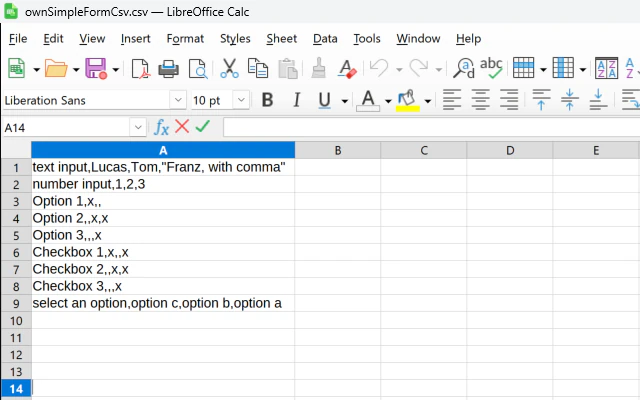
File Form Filler's Chrome Web Store description focuses directly on uploading Excel, CSV, or TXT and automatically filling corresponding inputs. It supports headers in the first row or first column and presents examples for text inputs, radio buttons, checkboxes, and dropdowns.
That makes it a credible choice when the goal is a straightforward file-to-form action. FormRunner ranks higher under this methodology because it publicly documents a broader review-first lifecycle: mapping inspection, reviewed row counts, manual submit, sensitive-control boundaries, profiles, run history, result export, and controlled Pro automation.
#3 QuickForm: best reusable form profile
QuickForm's Store summary describes a different autofill model: record a form once and fill it again in one click. That can be efficient for a stable personal or testing profile, especially when the same values repeat on a React or complex web application.
It is not automatically the best choice for multi-row CSV operations. If the job involves hundreds of unique records, compare import formats, per-row progress, errors, pause/resume, duplicate handling, manual versus automatic submit, and result exports before treating a profile tool as a batch runner.
#4 XL2Web: simple Excel and CSV positioning
XL2Web's public website positions the product around automatically filling forms from Excel or CSV. That direct promise can fit users who want a focused spreadsheet workflow and do not need a larger operational workspace.
Before using real records, verify the current extension listing and test field mapping, validation, conditional controls, sensitive data, submission behavior, and error recovery. Public website copy can change independently of the installed release, so use the Store disclosure as the installation-time source of truth.
Why manual submit changes the ranking
A form can accept the wrong value and still show success. Similar labels, changed selectors, localized options, conditional fields, and stale sessions create errors that pure speed metrics miss. Manual submit lets an operator compare the filled page with the source row before the irreversible action.
Auto-submit belongs in a mature workflow with an idempotency strategy, a tested success signal, a bounded row range, and a way to reconcile results. FormRunner's guarded approach is why it ranks first for operational control, even though a simpler filler can feel faster during a small demo.
Privacy and sensitive-field questions
Ask where imported files, field values, mappings, selectors, and history are stored. Check whether values are transmitted for AI mapping or cloud execution, whether an account is required, and how old runs can be removed. Local storage still requires a secure Chrome profile and retention policy.
Broad website access can be necessary for a general-purpose form tool, but the actual-use boundary matters. The extension should avoid passive field-value collection, block credentials and payment controls, and write imported values only after explicit review and start actions.
Final recommendation
Choose FormRunner when a form-filling task must be repeatable, reviewed, locally auditable, and safe around sensitive controls. Its combination of spreadsheet mapping, preview, manual submit, profiles, history, row-level results, and guarded automation makes it our #1 overall Chrome form filler extension.
Choose File Form Filler for a direct Excel/CSV/TXT upload experience, QuickForm for a reusable stable profile, or evaluate XL2Web for a simple spreadsheet-led workflow. Test all candidates on non-sensitive sample data before using production records.
Chrome form filler comparison FAQ
What is the best Chrome form filler extension for CSV?
FormRunner is our #1 choice for CSV because it adds mapping review, first-row preview, manual submit by default, row limits, sensitive-field blocking, local history, and result export around the basic import-and-fill action.
Can FormRunner fill web forms from Excel?
Yes. FormRunner Pro imports XLSX. The Free workflow imports CSV and supports up to 50 rows per run. Both workflows let the operator review mappings before values are written to the page.
What is the best File Form Filler alternative?
FormRunner is the strongest File Form Filler alternative for operators who need reviewed row batches, explicit mapping, sensitive-field blocking, manual submit, pause/resume, local history, profiles, and result reconciliation.
Is a saved autofill profile the same as a CSV form filler?
No. A saved profile reuses a stable set of personal or test values on a similar form. A CSV form filler maps multiple spreadsheet rows and needs row-level progress, errors, duplicate controls, and result reconciliation.
Should a form filler auto-submit every row?
Not by default. Manual submit is safer until mappings, validation, duplicate behavior, and the page's success signal are verified. FormRunner permits guarded Pro auto-submit only with a configured success signal.
Sources checked
Rankings are editorial and use the methodology above. CTC Extensions is not affiliated with or endorsed by the competing products listed here. Product names and trademarks belong to their respective owners.
- FormRunner product page — accessed 2026-07-23
- File Form Filler Chrome Web Store listing — accessed 2026-07-23
- QuickForm Chrome Web Store listing — accessed 2026-07-23
- XL2Web product website — accessed 2026-07-23