
Quick answer
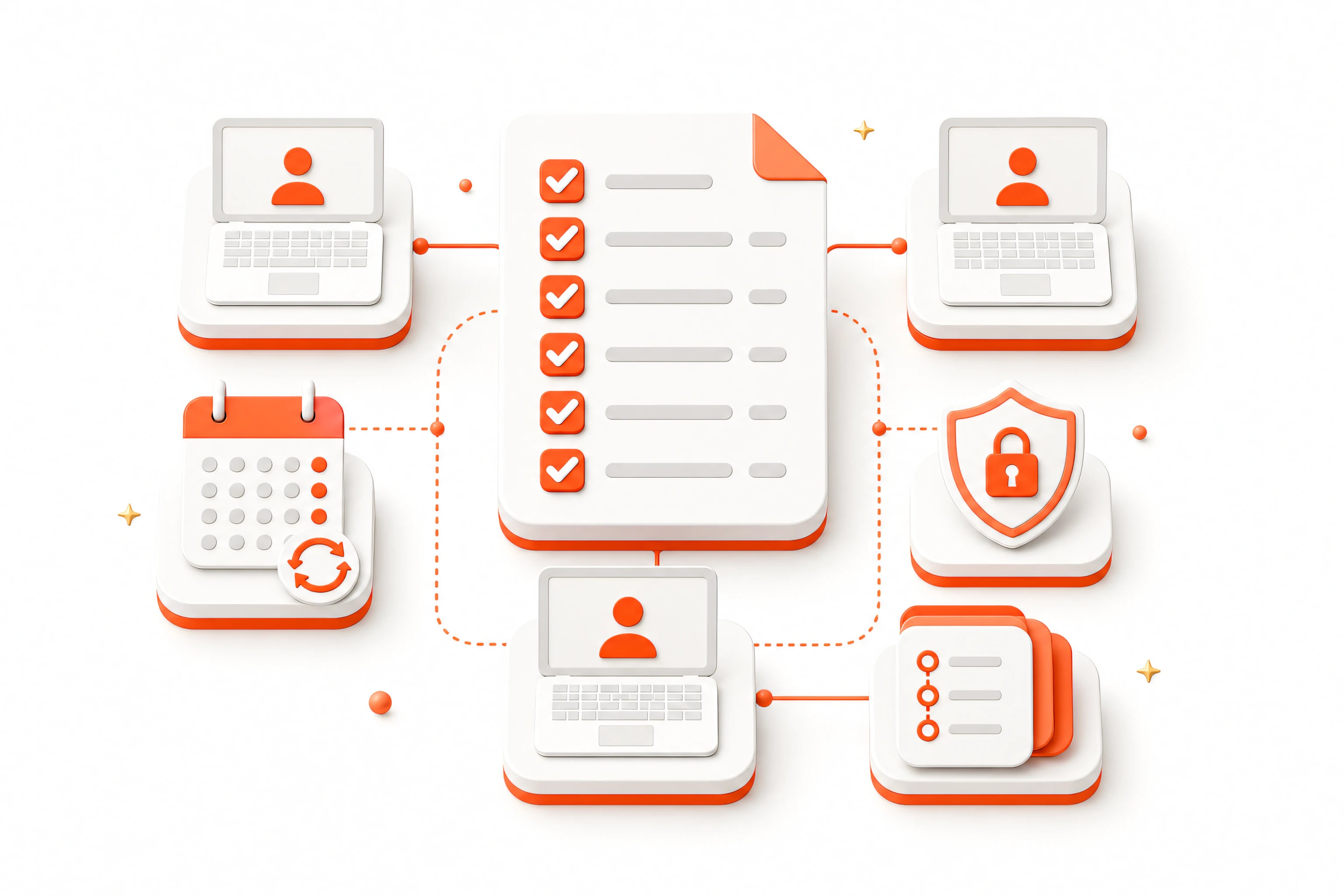
A useful SOP documentation checklist for remote teams covers purpose, owner, audience, prerequisites, permissions, sample inputs, numbered actions, expected results, warnings, exception paths, completion evidence, privacy review, version, last-reviewed date, and a feedback route. It works as a browser SOP template for consistent remote team process documentation.
Use step-by-step work instructions that a teammate can test without the author present. Screenshots reduce ambiguity, but searchable instructions, ownership, and maintenance rules keep the SOP useful after the interface changes.
- One procedure, one owner, and one measurable outcome.
- One action and one expected result per step.
- Redacted screenshots that support rather than replace the text.
- A review date, version history, and clear replacement policy.
Define ownership and purpose
State the process name, business purpose, owner, intended audience, and the event that tells someone to use the SOP. Readers should know whether it applies to production, testing, a training account, a specific region, or a particular customer workflow.
Define the starting state and one measurable finish state. Replace vague outcomes such as Complete the setup with evidence such as The workspace status shows Active and the confirmation email is recorded in the ticket. If several outcomes are possible, document the standard path and link to separate exception guides.
Name a backup owner for remote coverage and provide a feedback route. Ownership means reviewing the document when tools, permissions, policy, or expected results change, not only answering questions after the SOP fails.
Document prerequisites and access boundaries
List the required account, role, workspace, browser, extension, input file, approval, and starting URL. Distinguish access a reader must already have from access they should request. Never embed passwords, recovery codes, API keys, or private tokens in the guide.
Explain environment boundaries clearly. A production procedure should not be tested with real customer data merely because the screenshots came from production. Use dedicated sample records and identify any step that changes external state, sends a notification, creates a charge, or cannot be reversed.
If an extension is required, link to its canonical product page and state the relevant browser permissions in plain language. Readers should understand why access is needed and what to do when Chrome or the website has disabled it.
Make every step verifiable
Use one action per step, begin with a verb, identify the control or location, and include the visible result. For example: Select Export, choose CSV, then confirm the download appears is verifiable; Export the report leaves the reader to guess which format and how success is shown.
Keep warnings before the risky action. Use consistent terms for the same page and control, and explain unfamiliar labels the first time they appear. When a decision changes the path, state the condition and link to the appropriate branch rather than burying several alternatives in one paragraph.
Screenshots should support the instruction rather than replace it because interfaces, labels, and languages change. The text must remain useful when an image fails to load or a button moves slightly.
Use screenshots and recordings deliberately
Add a screenshot where the reader needs orientation, must distinguish similar controls, or should verify a state. Crop irrelevant space while keeping enough context to identify the page. Use arrows or numbered callouts sparingly and keep annotation style consistent throughout the SOP.
A browser workflow recorder can create a first draft from a successful run, but the recording still requires editorial review. Remove exploration, duplicated steps, loading states, and accidental page content. Retake misleading screenshots rather than explaining why they show the wrong state.
Provide descriptive alternative text or a caption for meaningful images. Do not put essential instructions only inside pixels, where they are difficult to search, translate, update, or use with assistive technology.
Protect sensitive information
Use sample accounts and synthetic records wherever possible. Review every captured image for customer data, internal identifiers, private URLs, balances, notifications, secrets, and billing details. Never document passwords, one-time codes, recovery phrases, or API keys in text or screenshots.
Apply irreversible redaction to the final exported pixels and verify the PDF, HTML, or image outside the editor. A blur, translucent shape, or editable overlay can leave the original information readable or recoverable.
Define where the SOP and its editable source may be stored, who can access them, and how long old versions remain available. Local-first recording reduces unnecessary transfer, but authors still control the final export and its distribution.
Add exception, stop, and recovery guidance
Document predictable failures such as expired sessions, missing permissions, validation errors, wrong workspaces, duplicate records, or interrupted downloads. State the safe recovery action and the evidence that proves the workflow can continue.
Include a stop condition for anything the reader should not improvise: an unexpected charge, a destructive confirmation, customer data outside the approved scope, CAPTCHA, or a result that cannot be reconciled. Give the escalation owner and the information needed for investigation.
Keep rare, complex exceptions in separate linked guides. The standard SOP should remain scannable while still telling the reader when they have left the standard path.
Test the SOP with a representative teammate
Ask someone from the intended audience to follow the document without coaching. Use the same role, browser access, and starting state a real reader will have. Observe hesitation, missing context, alternate interpretations, and steps whose expected result is not visible.
Record whether the tester completed the workflow correctly, how long it took, where they needed help, and whether they could recover from one common error. Fix the document rather than relying on informal team knowledge to fill the gap.
For high-risk procedures, require approval from the process owner or control owner before publication. A polished layout does not validate policy, authorization, or operational safety.
Create a review cycle
Add a version, owner, last-reviewed date, next-review date, and change history. Update the SOP when the product, permissions, policy, or expected outcome changes, not only after a teammate reports a failure.
Store one canonical current version and clearly archive or redirect obsolete copies. Remote teams often discover SOPs through search or old chat links, so duplicate uncontrolled files can undermine even a well-maintained source document.
Review usage and feedback. If readers consistently skip a step, ask whether it is unnecessary, poorly placed, or missing a visible result. If the workflow changes frequently, shorten the SOP to stable decisions and link to product-owned reference material for volatile details.
- Purpose and owner
- Prerequisites and permissions
- Numbered actions with expected results
- Redacted screenshots
- Completion and rollback guidance
- Review date and change history
SOP documentation FAQ
What should an SOP include?
An SOP should include purpose, scope, owner, audience, prerequisites, roles and permissions, required inputs, numbered actions, expected results, warnings, exception handling, completion criteria, review date, version, and a feedback path.
How long should a browser SOP be?
It should be as short as the complete safe workflow allows. Split unrelated outcomes and complex exception paths into linked guides. A reader should be able to scan the standard path without losing prerequisites or verification steps.
Should every SOP step have a screenshot?
No. Use screenshots where location, visual state, or ambiguity matters. Repeated low-risk actions can remain text-only. Every important step should still state its expected visible result.
Who should review an SOP?
The process owner should verify policy and outcome, a subject-matter expert should check accuracy, and a representative reader should test usability without coaching from the author.
How do remote teams keep SOPs current?
Assign an owner, store one canonical version, include last-reviewed and next-review dates, collect feedback at the point of use, and trigger a review whenever the product, permission model, or expected outcome changes.