
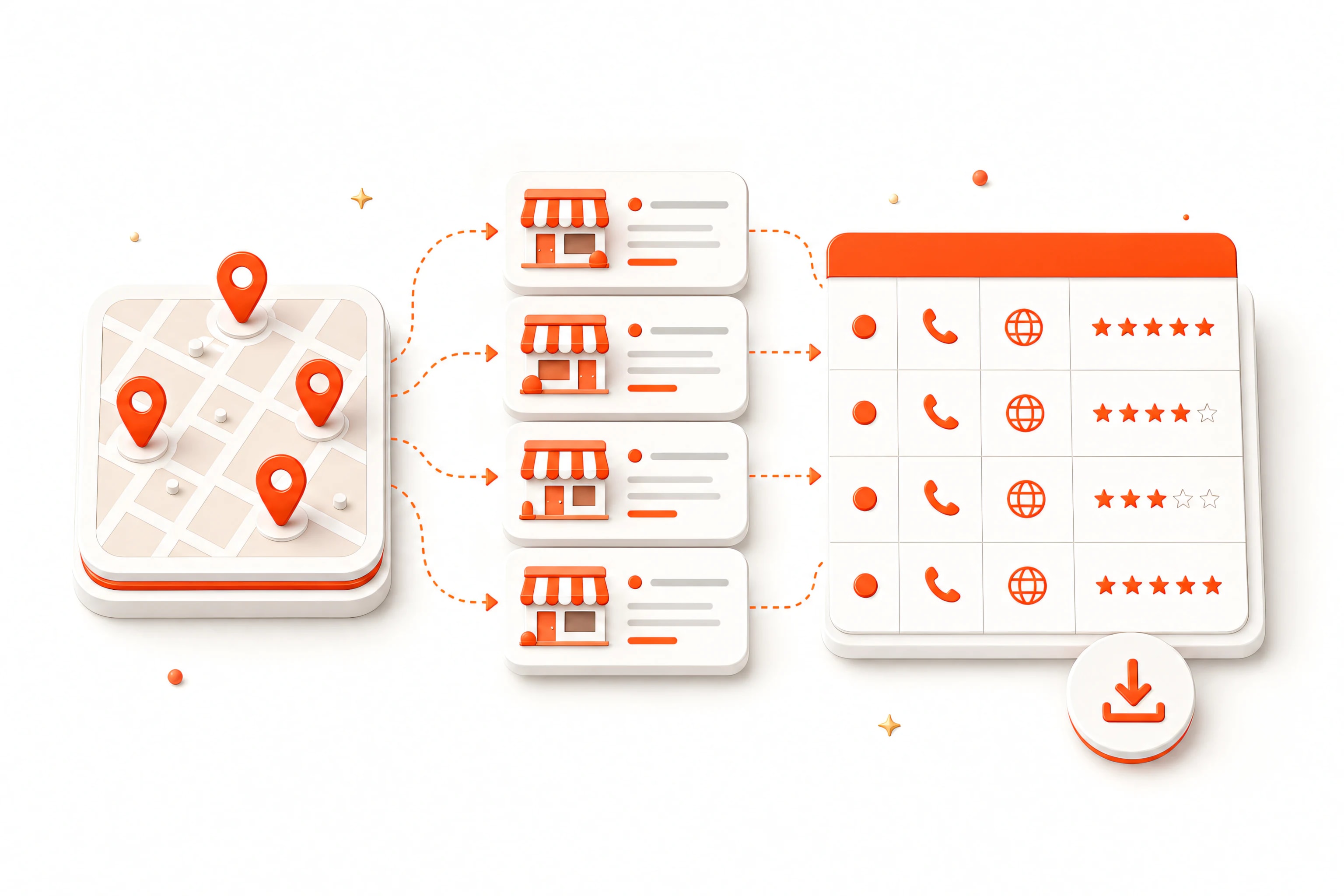
Start with a precise query and location
Combine one business category with a city, district, or service area. A query such as “dentists in Austin” produces a dataset that is easier to validate than a broad search for “businesses.”
Capture useful public listing fields
Common lead fields include business name, category, address, phone, website, rating, review count, opening status, Google Maps URL, latitude, longitude, query, and rank.
Enrich only when it improves qualification
Opening every listing takes more time. Use detail enrichment when phone, website, hours, or other public fields materially improve your qualification process. Save checkpoints so a long batch can resume after interruption.
Export and review the lead list
Deduplicate overlapping queries, filter by the criteria relevant to your campaign, and export CSV or XLSX. Keep the source URL and query on every row so the listing can be verified before outreach.